Little apps. Made for Mac.

Less “oh no.”More “oh, nice.”

You opened your Mac to do one thing. Then the files went missing, the disk filled up, and the tab gave up. We’re making five little Mac apps for that.

For macOS.Local-first.No account circus.Still in the making.
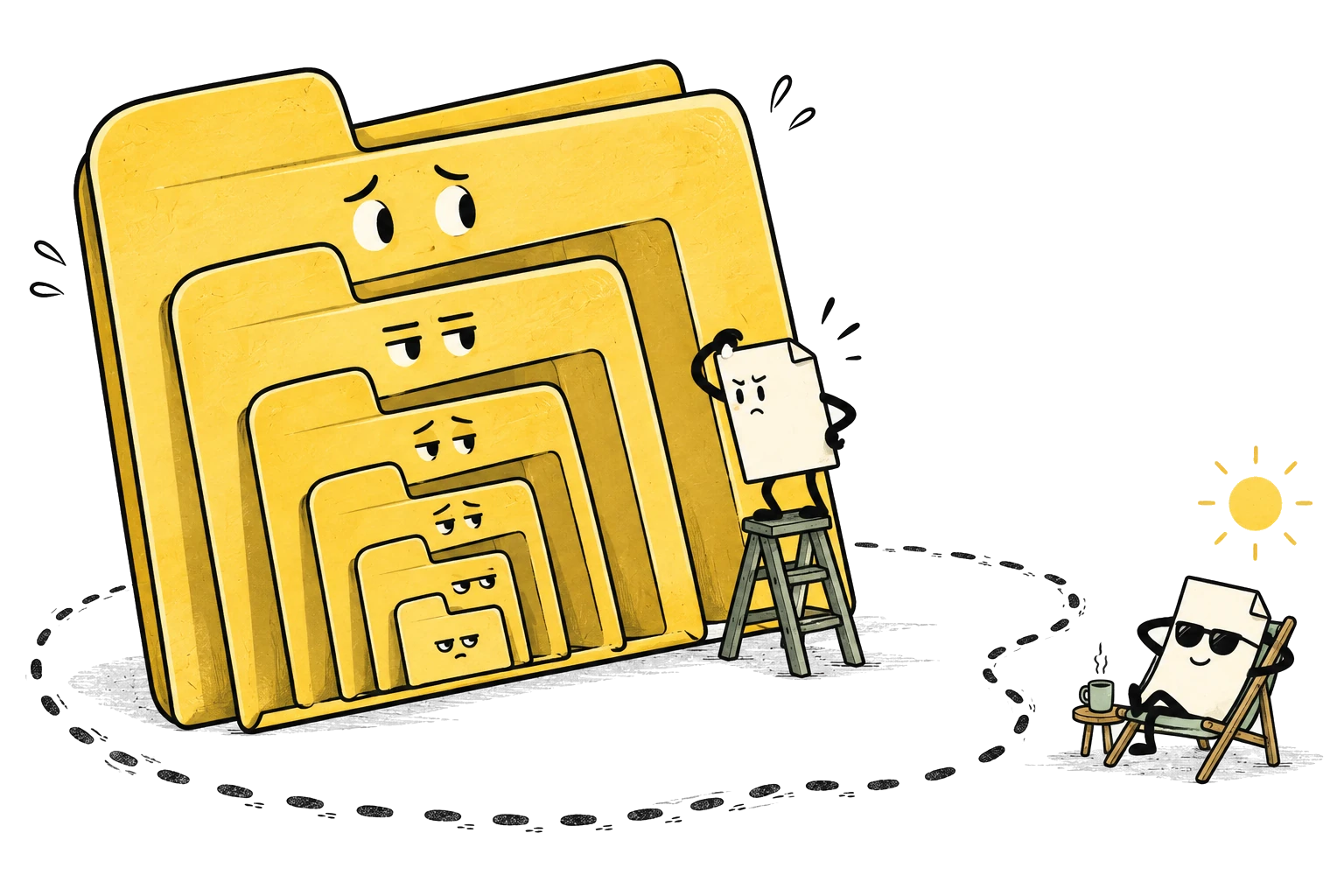
A detective climbs through nested folders while the missing file relaxes outside in a deck chair.
Hide. Seek. Found.

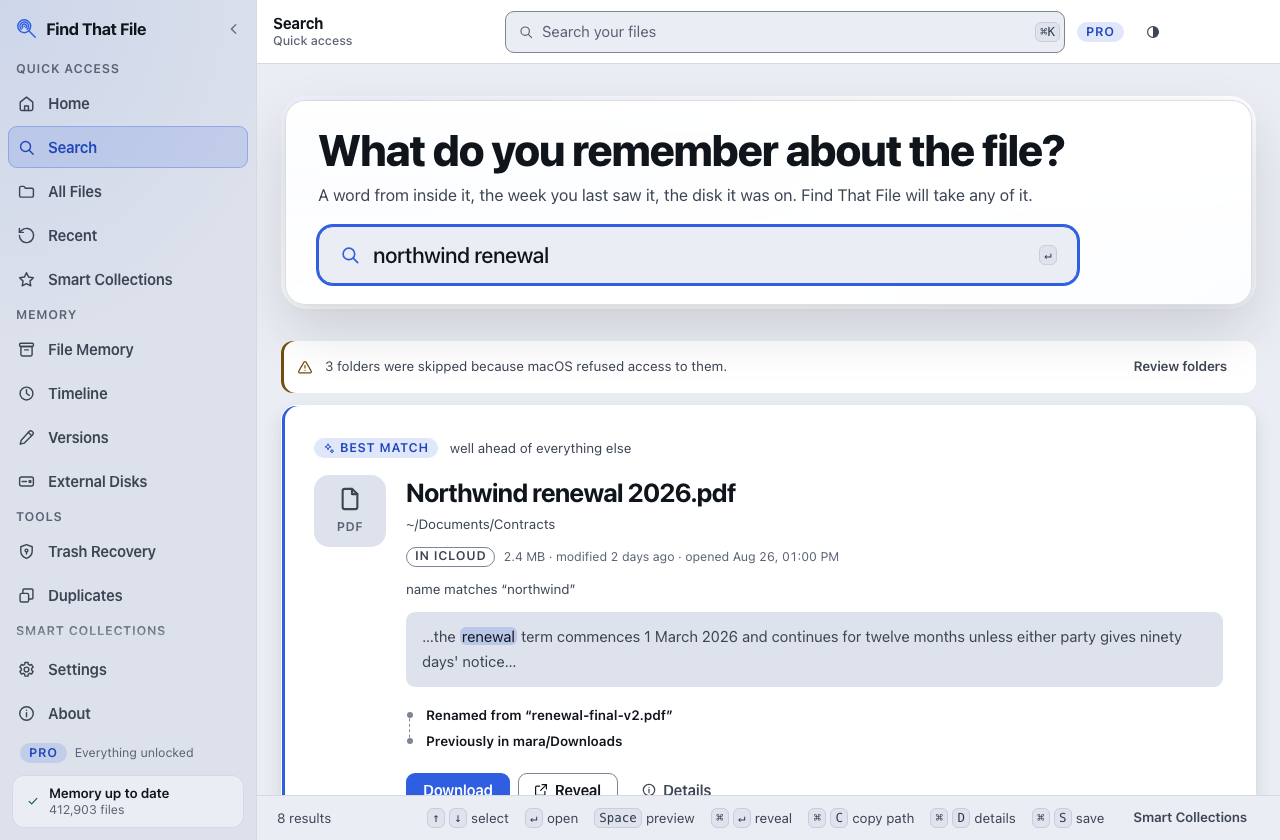
Find That File · For the file playing hard to get.

For people with better things to do than look for a PDF.

Five Mac apps. Each with one job.

Meet the little trouble-solvers

Small problems.
Disproportionate sighs.

Undo

Coming soon

You clicked. You regretted. Undo.

Overwrote the original? Deleted the wrong file? A second chance for file mistakes, without the lecture.

SpaceTrace

Coming soon

Where did all that space go?

A minute ago there was room. Now there isn’t. See what filled your Mac, and what probably caused it.

Copy Anything

Coming soon

Look, but don’t copy? Cute.

The table is right there. So is the code. None of it wants to be selected. Draw a box around the useful bit.

DraftSafe

Coming soon

Your tab left. Your words stayed.

An almost-finished reply. One dramatic tab crash. Browser drafts, saved locally and encrypted for just this sort of thing.

Your Mac has
enough going on.

A useful little tool should solve a problem.
Not become your next one.

A file works peacefully in its computer home while a clipboard waits outside with an absurd pile of account paperwork.
Good work. Minimal paperwork.

Your machine.
Your work.

Local-first tools that do their work on your Mac.

No account
to look after.

No new profile. No forgotten password. Just the thing you came to do.

No one watching
over your shoulder.

No behavioural tracking or usage telemetry. Your work is your business.

Licensing, checkout and updates may use the network.

Better together

A whole little
toolbox.

Five different talents.
One very ordinary mission:
make your Mac less of a chore.

Find a file. Undo a mistake. Understand your space. Copy the useful bit. Keep your words.

Complete Suite · Coming soon
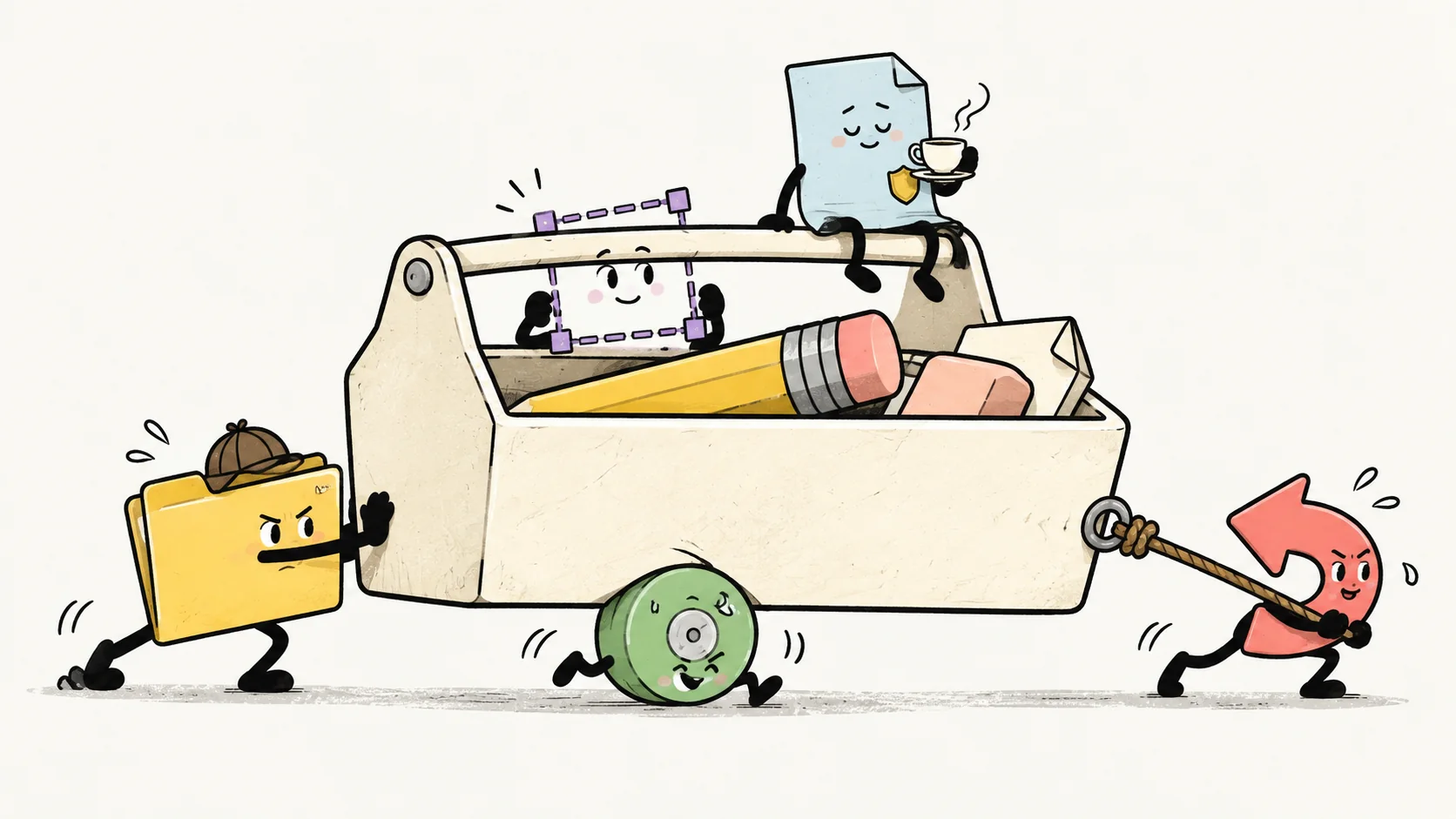
Five little utility characters move an enormous toolbox together; one rides on top, supervising with a cup of tea.
Everyone has a job. Some have tea.

Before you ask your computer

A few good
questions.

Small tools. Straight answers.

Explore all questions
Are these apps for Mac?

Yes. All five tools are being built for Mac. Supported macOS versions and hardware requirements will be confirmed with each release. No Windows or Linux version is announced.

Can I try them yet?

Not just yet. Find That File is in development, and the other four tools are coming soon. Nothing here is available to download or buy. We’ll share availability here when there’s something ready to share.

Does my work stay on my computer?

The tools are built around local work, with no behavioural tracking or usage telemetry. Licensing, checkout and software updates may use the network. Your files and drafts are not a reason to build another cloud account.

Do I need another account?

The desktop tools are designed to work without an account. An optional website account keeps your saved apps and support conversations together.

Are these all one big app?

Five focused tools, from the same little family. Find That File helps with finding files; Undo with file mistakes; SpaceTrace with disk space; Copy Anything with screen content; and DraftSafe with browser drafts.

What’s the Complete Suite?

The planned collection of all five Good Little Software tools. It’s still coming together. There’s no price or release date to announce yet.

In development · Not available for purchase yet

Undo

Part of the Good Little Software family. More to share as it takes shape.

Full product story