 See how it works
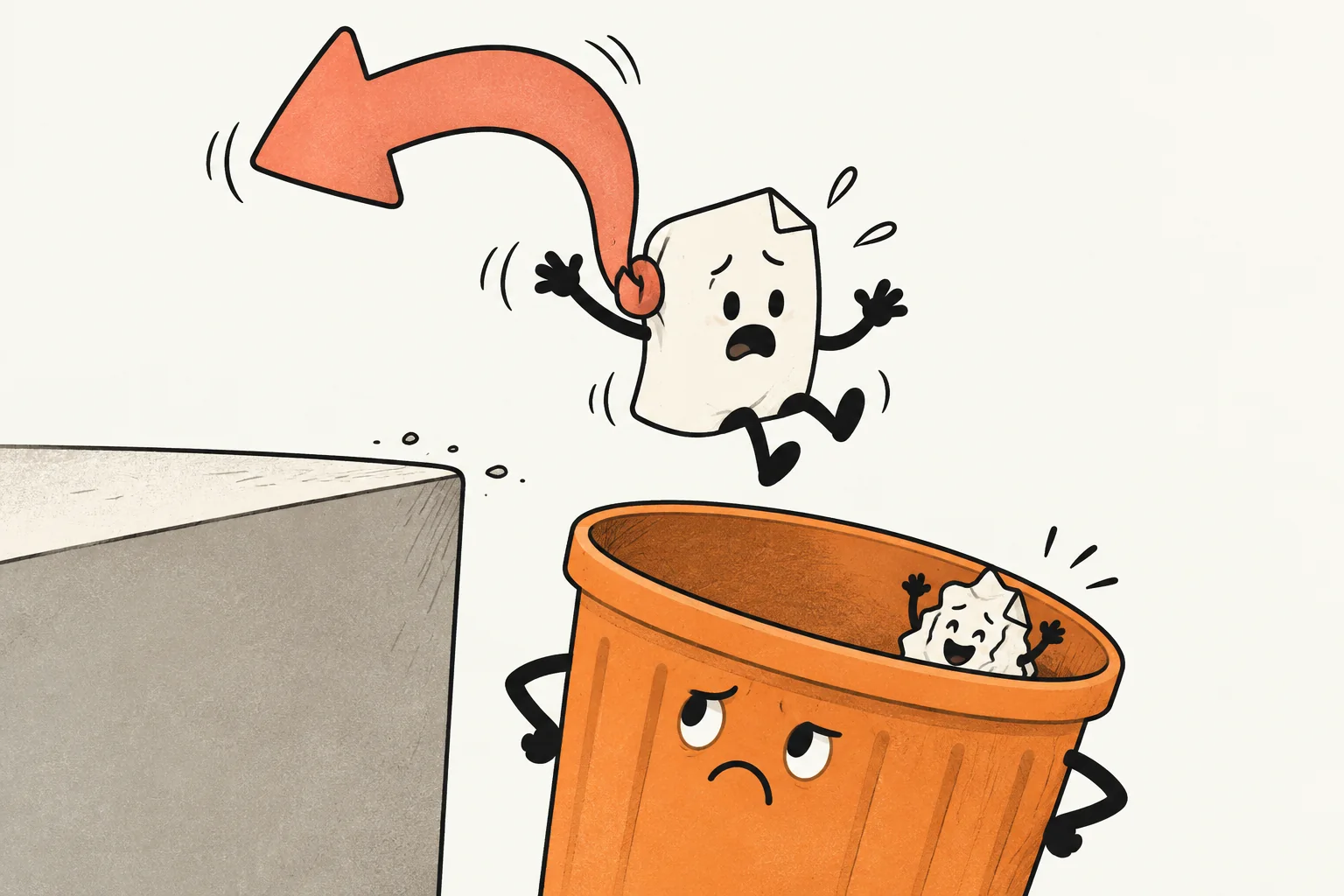
The problem
Overwriting the original or deleting the wrong file can turn one click into an afternoon. Undo is being built around taking these file mistakes back.
 Undo
Undo
Overwrote the original? Deleted the wrong file? A second chance for file mistakes, without the lecture.
 Built for Mac · macOS requirements to be confirmed
A saved selection, not an order. No payment or release date yet.
A little closer
Choose what to protect before the regrettable click.
Interactive website example · Actual development UI uses sample data
Undo captures eligible versions in folders you select. It needs a captured version before it can help.
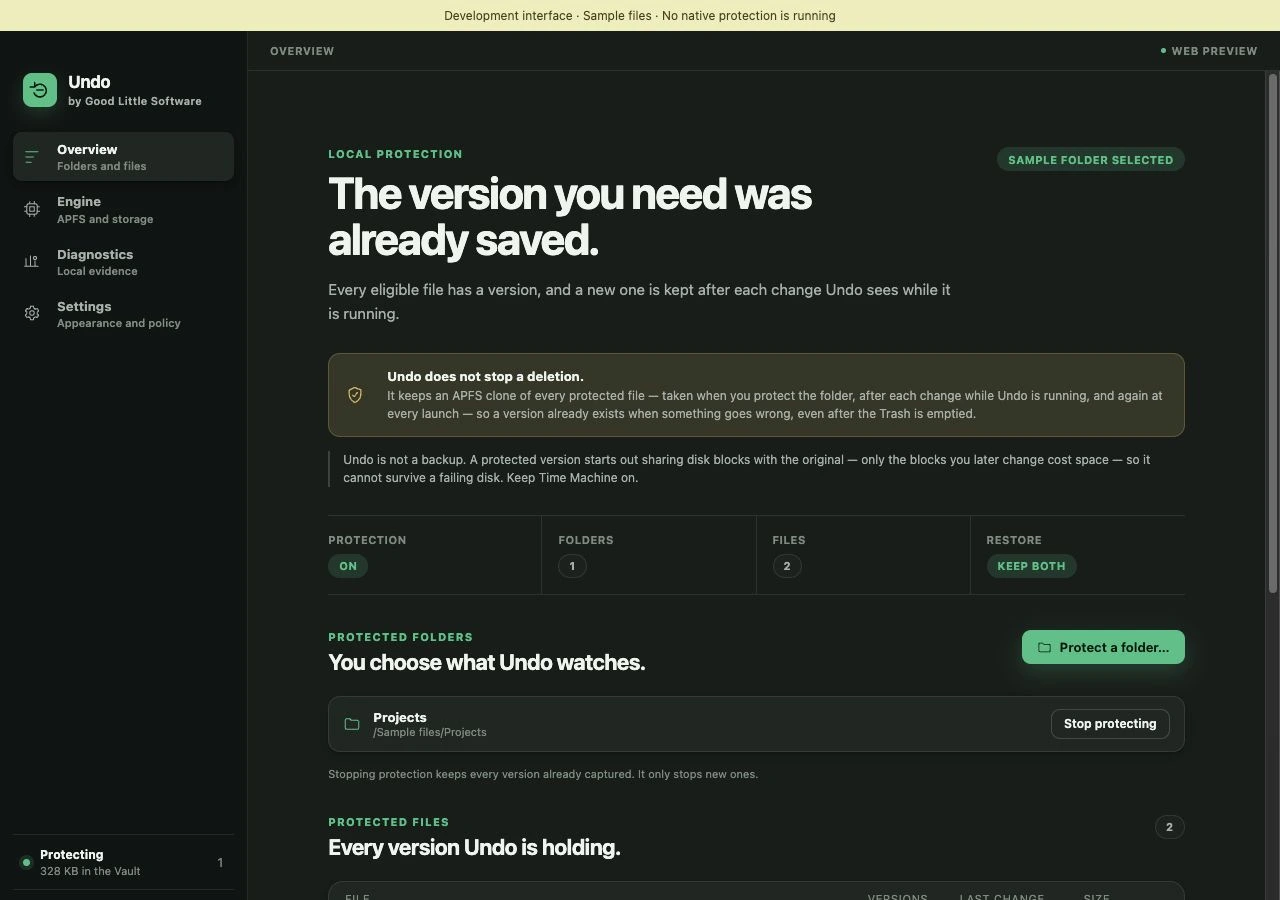 Development interface · Sample data. Scroll the image on a small screen.
Expand a file to browse its captured versions. The list keeps the capture reason and time alongside each version.
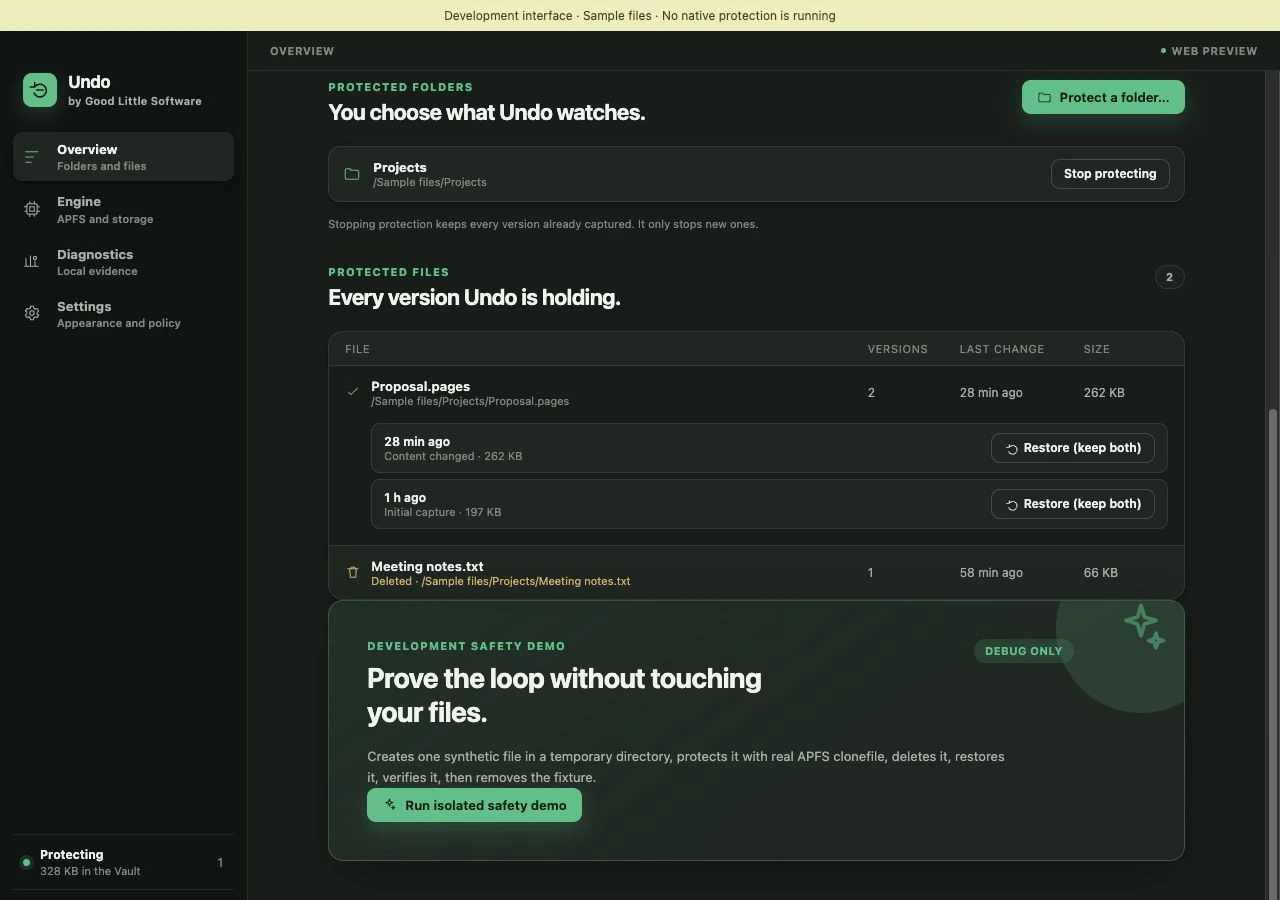 Development interface · Sample data. Scroll the image on a small screen.
Restore (keep both) preserves the current file alongside the restored version. This little example shows that outcome.
 Proposal.pagesYour current fileProposal — restored copy.pagesEarlier captured version · Sample only
Undo is not a backup and cannot recover a version it never captured.
Overwriting the original or deleting the wrong file can turn one click into an afternoon. Undo is being built around taking these file mistakes back.
Recovery depends on what the released app has protected and retained. The preview does not make a promise to recover every file or every past action.
A focused recovery tool is not a replacement for an independent backup. Final coverage and retention controls will be documented with the app.
Undo · For Mac
$29.99USD · One-time purchase
macOS version and hardware requirements will be confirmed with the release.
One purchase includes all updates in the current major version. Future major upgrades, such as a meaningful v2 release, may be offered as a paid upgrade.
Product notes →Announced pricing. Checkout is closed.

A small question?
You’re in the right place.
Answers from our site information. AI is not connected yet. No chat is sent to an AI provider.